English



How to check optical module information on Cisco switch?
Optical module identification and status monitoring are essential daily tasks for network engineers maintaining Cisco switching systems. This guide provides complete, step-by-step CLI commands to view module type, DOM/DDM diagnostic data, vendor details, and compatibility information, fully compliant with Cisco IOS and IOS-XE command standards.
We will introduce how to query the information of optical module on Cisco switch.
First, we need to connect to the network, and then log on to the management platform of Cisco switch. The user name and password are Cisco / Cisco by default.
How to View Optical Module & Media Converter Details
In the second step, in the privileged exec mode of the switch, enter the following command to display the fiber optic media converter: Show fiber optic port media converter [interface interface ID], interface interface ID - (optional) please specify the Ethernet port ID( In this case, te1 / 0 / 3 uses an interface)
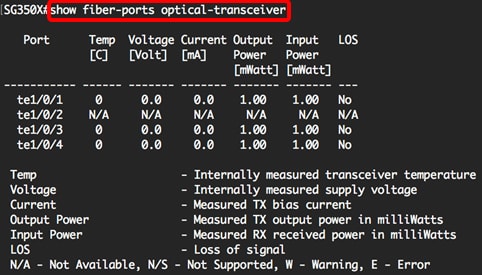
For mainstream Cisco Catalyst switches, use these industry-standard commands instead for accurate optical module data:
(1) show ip interface brief – List all ports quickly
(2) show interfaces status – Check port and module type
(3) show interfaces [interface] transceiver detail – Full DOM diagnostic info (temperature, voltage, Tx/Rx power)
(4) show hw-module subslot [slot] transceiver [port] idprom – View vendor, serial number, wavelength
What Command Outputs Can You Obtain?
1) Typical returned information includes:
2) Module type: 100M, Gigabit, 2.5G, 10G, SFP, SFP+, etc.
3) Wavelength: 850nm, 1310nm, 1550nm, etc.
4) Transmission distance
5) Vendor name and serial number
6) DOM real-time data: temperature, voltage, Tx bias current, Tx power, Rx power
7) Alarm thresholds for fault location
Common Supporting Components for Cisco Switch Networking
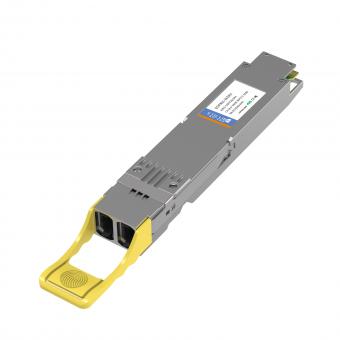
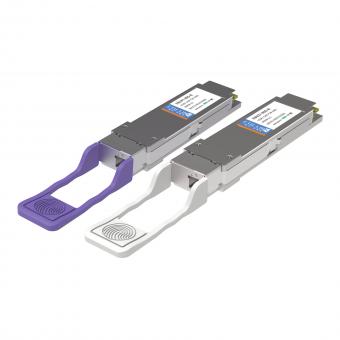
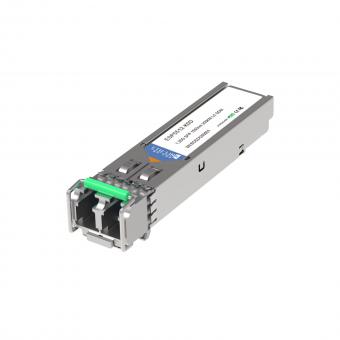
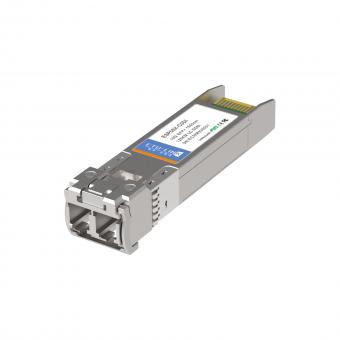
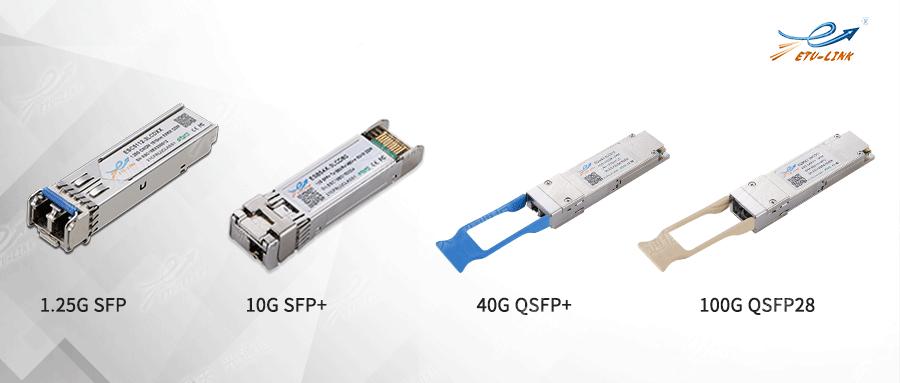
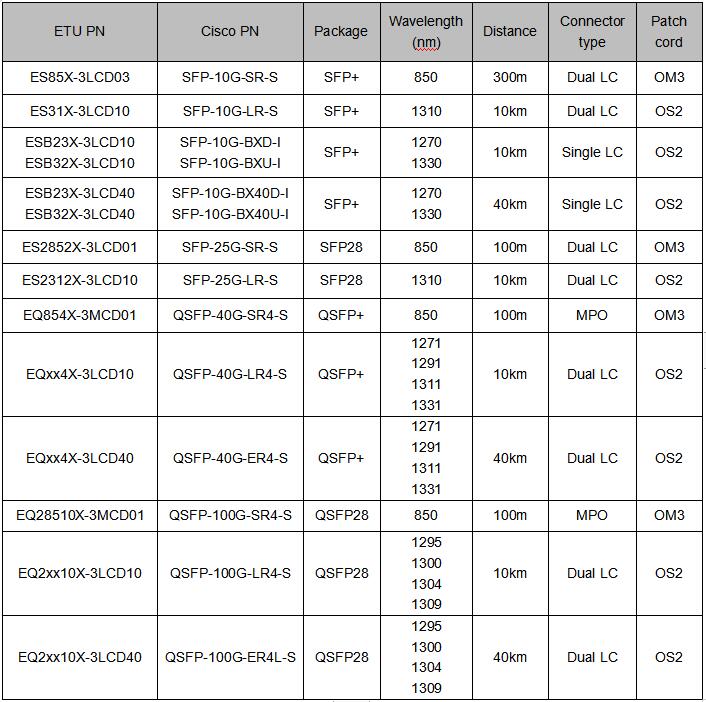
Finally, the networking of Cisco switch needs DAC direct attach cable, AOC active optical cable, optical module and patch cord. This paper introduces the models of some optical modules, which is helpful for us to understand the parameter information of optical modules, so as to facilitate the purchase in the future.
Common matching components include:
DAC Cable: for short-distance high-speed connection
AOC Cable: for longer optical connections
Single-mode / Multimode Optical Modules: for different distances and fibers
OS2 / OM3 / OM4 Fiber Patch Cords: standard cabling for Cisco switches
Importance of Verifying Optical Module Information on Cisco Switches
The above is the execution instructions for querying the information of optical module on Cisco switch, and some explanations of corresponding parameters. ETU-LINK can provide all optical modules compatible with Cisco, and the optical module will use Cisco switch for real machine detection before leaving the factory, so as to ensure that the optical module received by customers can be 100% compatible with Cisco switch.
Checking module information helps avoid compatibility failures, abnormal loss, link flapping, and non-standard hardware issues. It is strongly recommended for daily maintenance, troubleshooting, and new deployment.
Last updated: April 3, 2026
For inquiries about our products or pricelist, please leave your information with us and we will be in touch with in 24 hours.


 13th Floor, Building 6, Honghualing Base, Nanshan Intelligent Manufacturing Base, Liuxian Avenue, Taoyuan Street, Xili, Nanshan District, Shenzhen, China
© Copyright: 2026 ETU-Link Technology CO ., LTD All Rights Reserved.

IPv6 network supported
Friendly Links:
易天官网